Welcome in
Atomic Energy Pensioners Welfare Forum
A forum committed for welfare of Indian Nuclear Power Institution's Pensioners
AEPWF Important Informations
Scrolling Messages
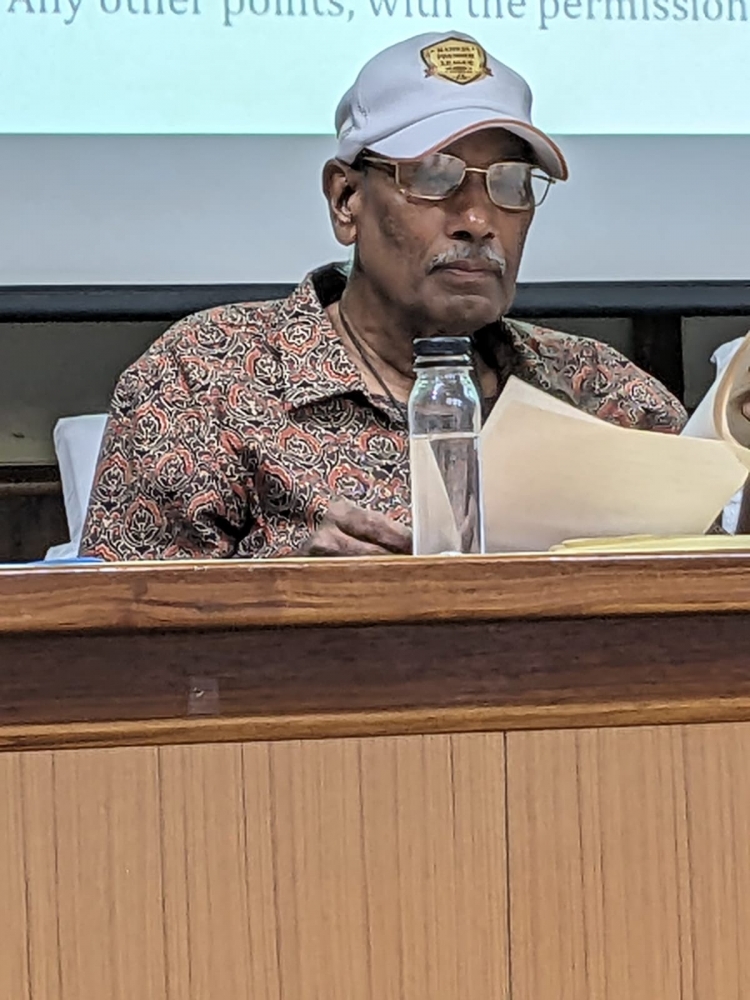
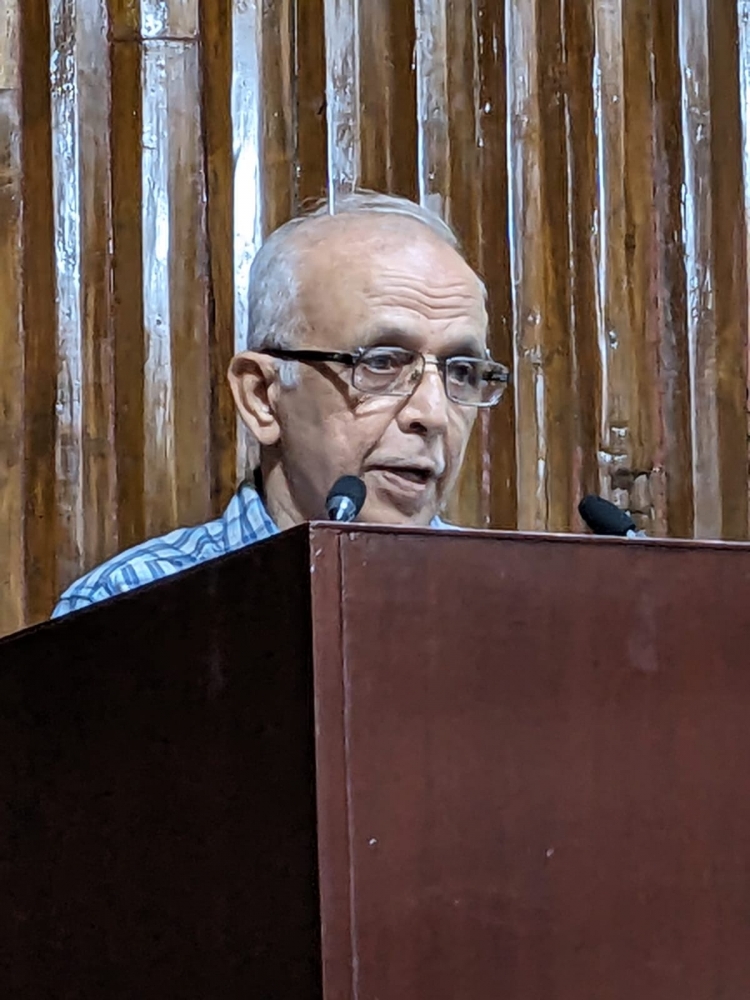
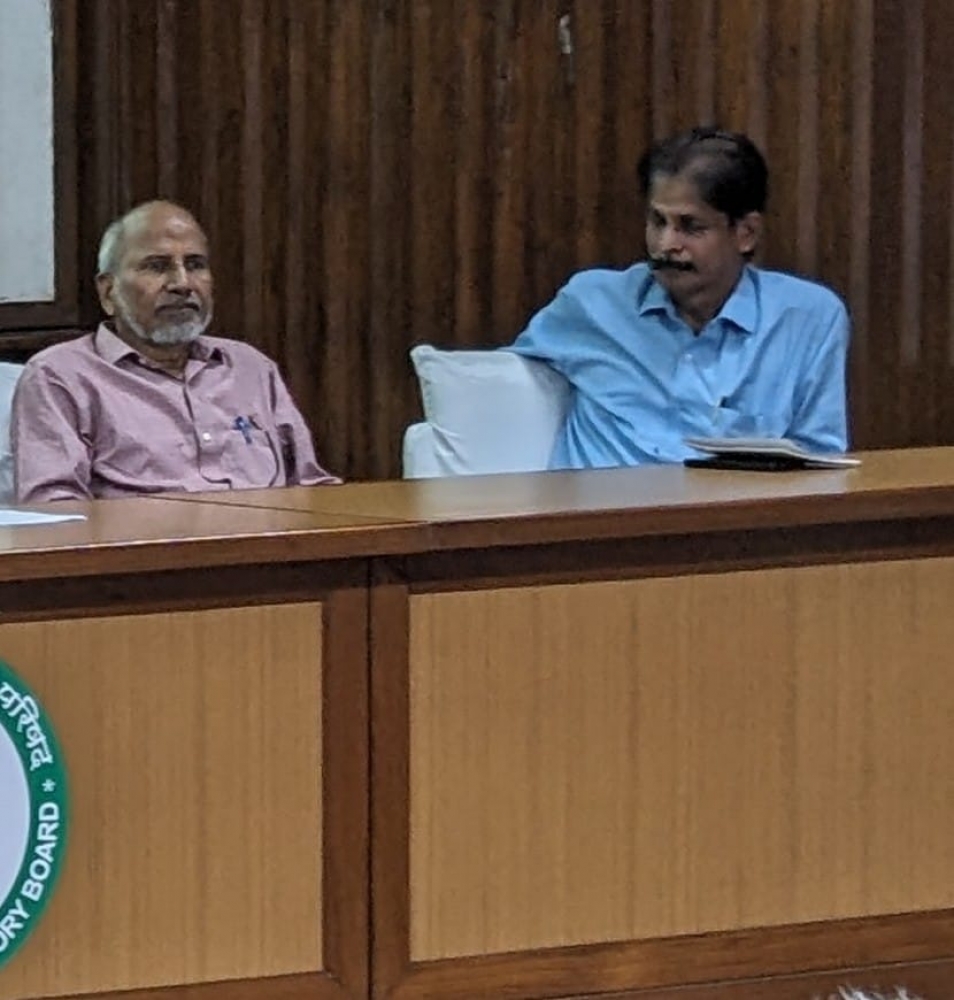
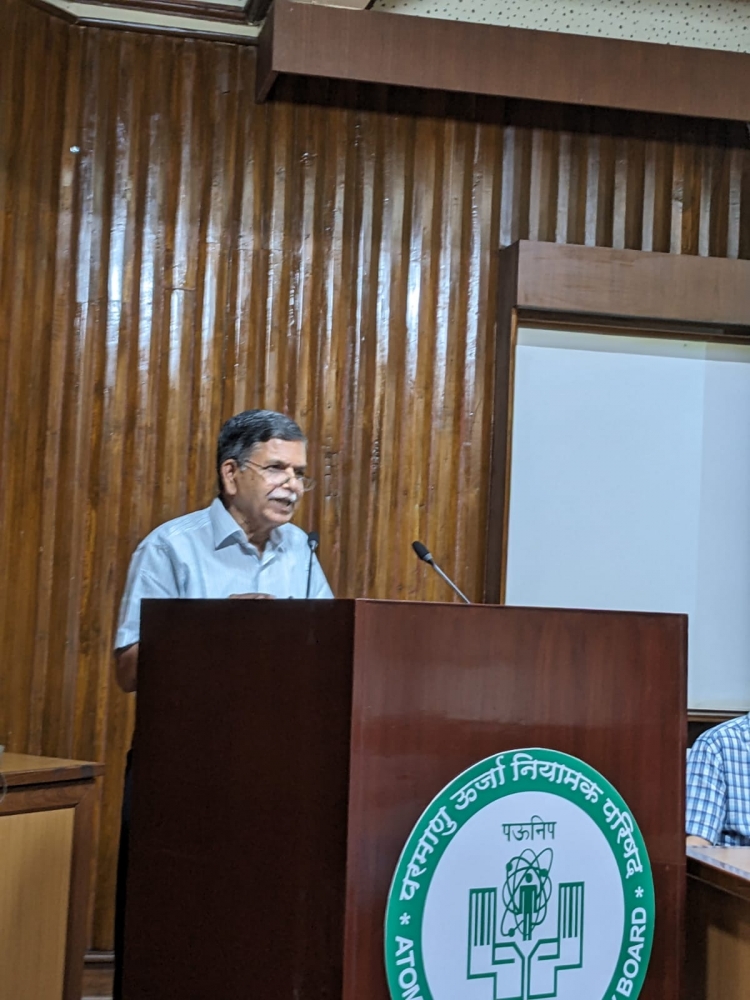
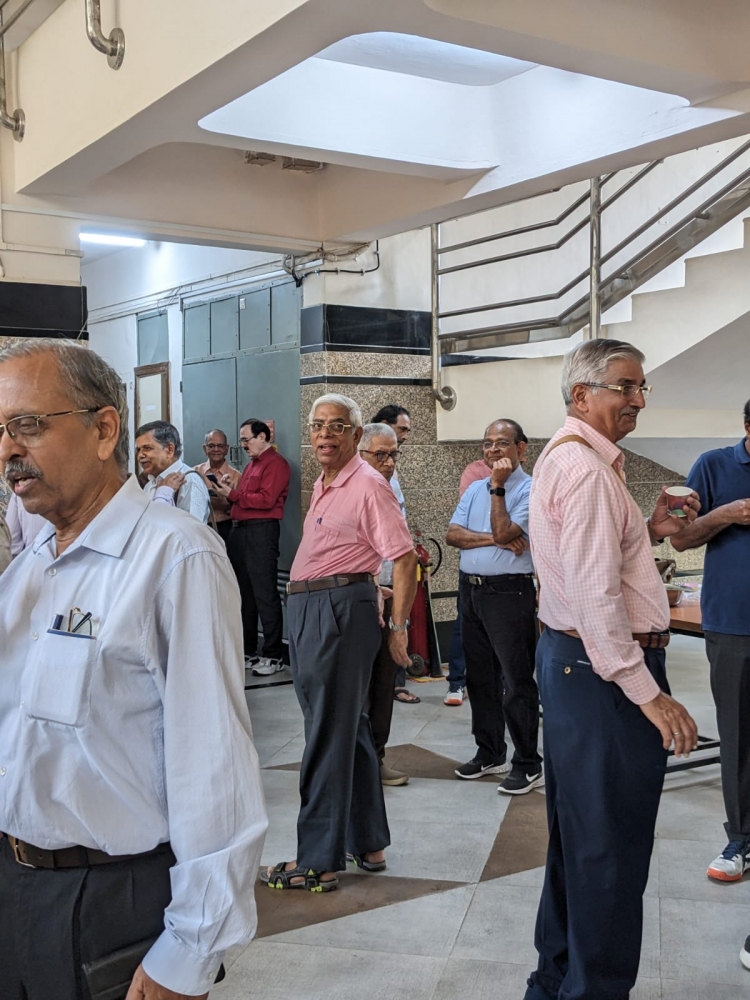
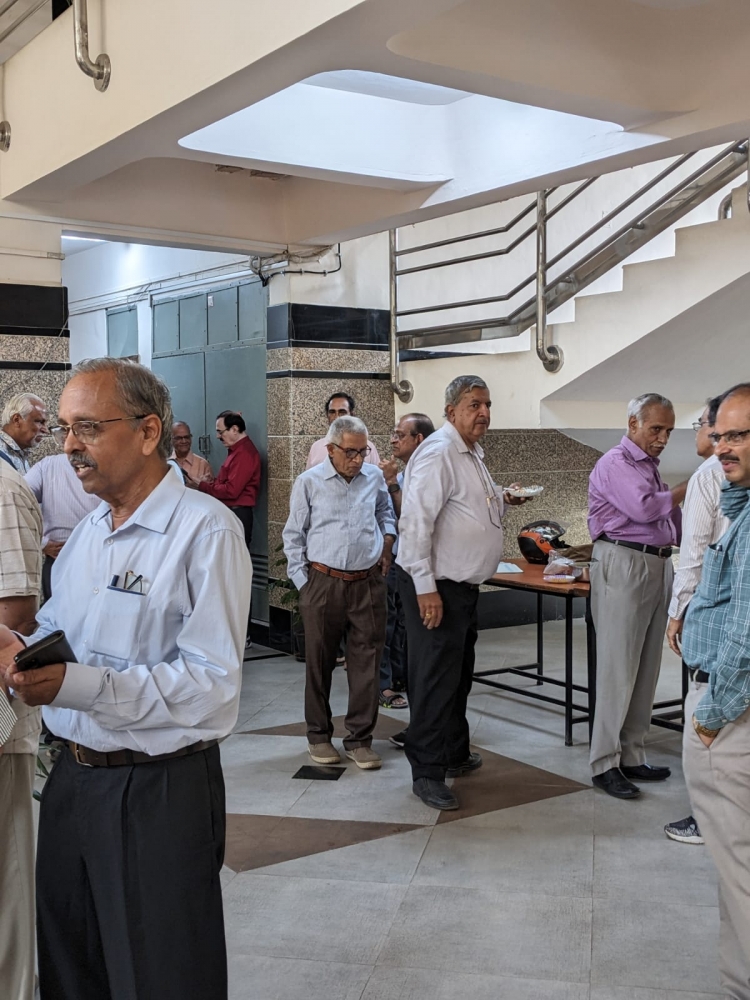
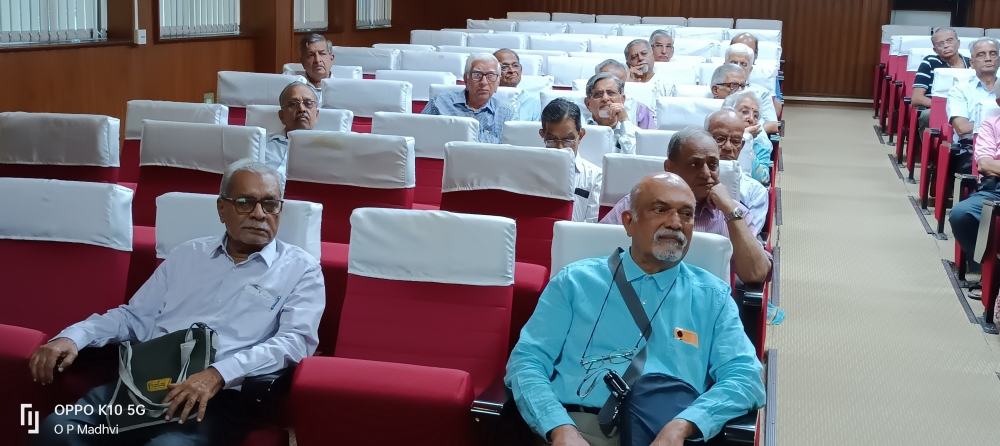
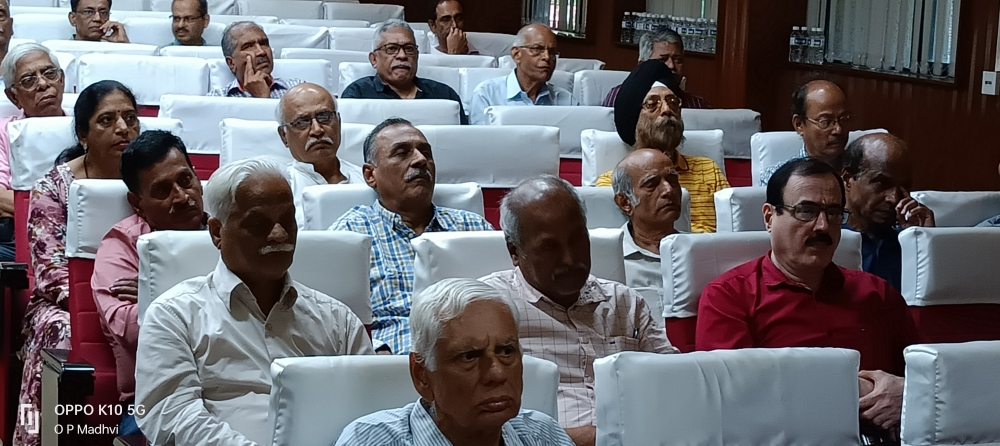
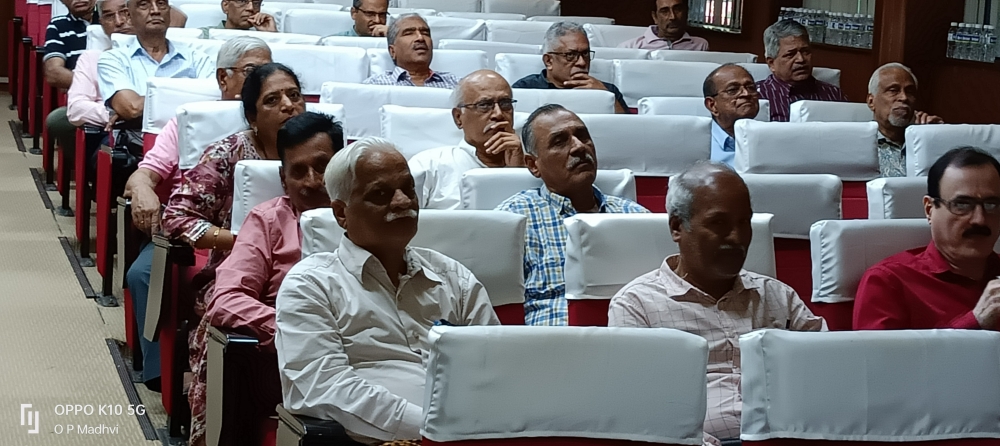
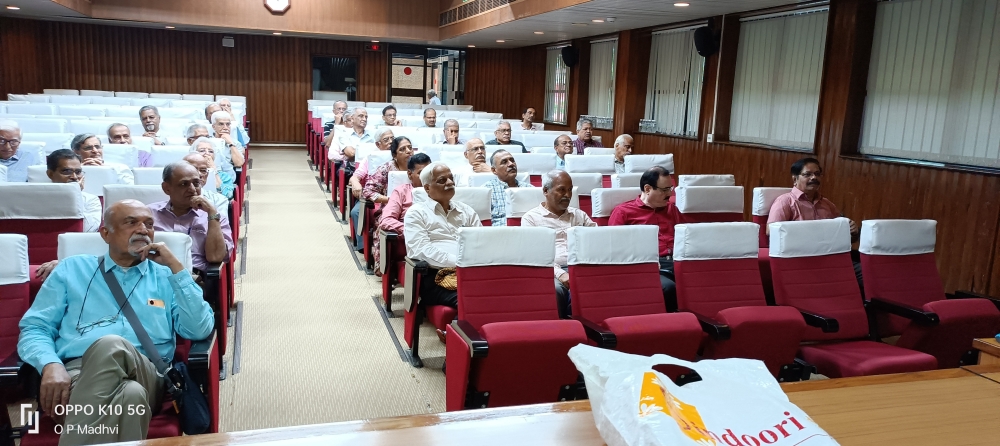
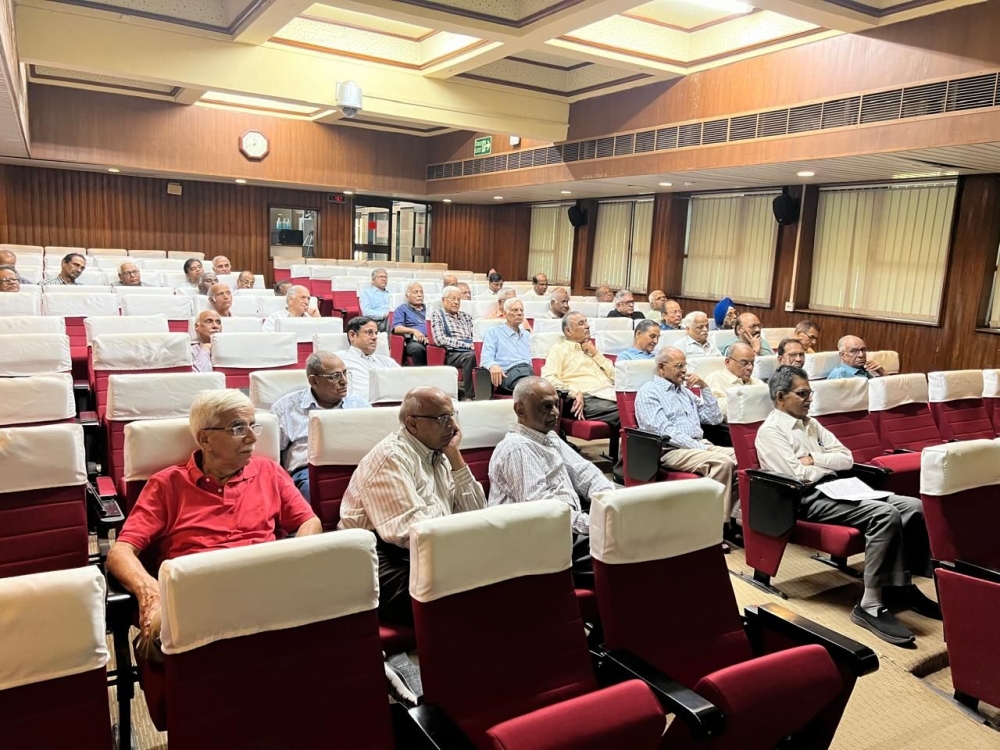
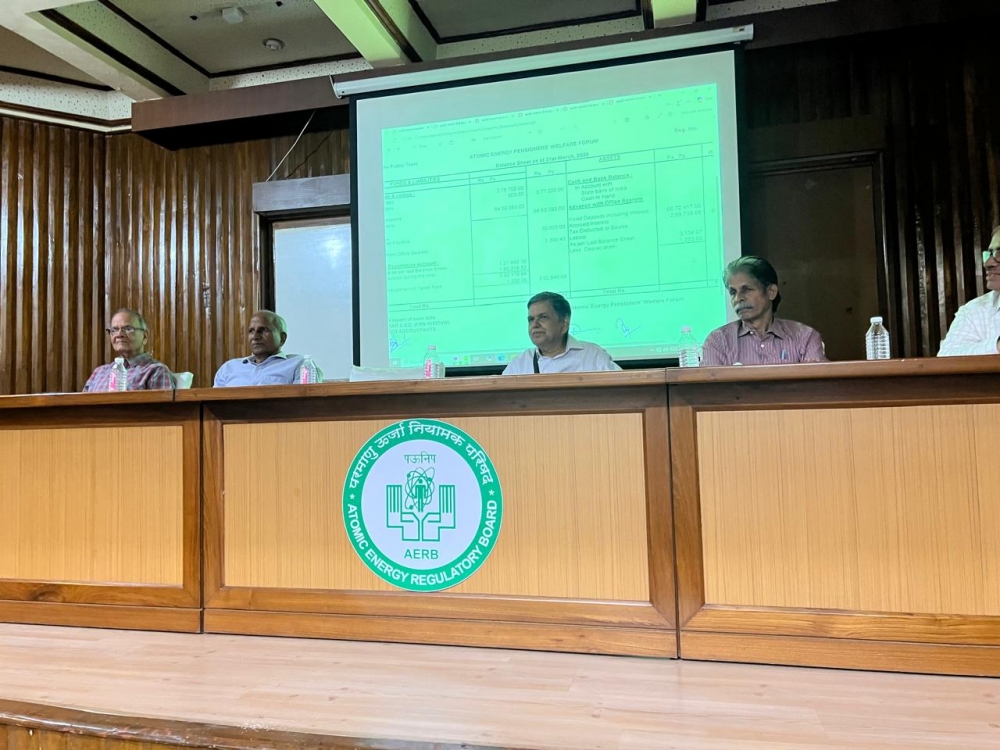
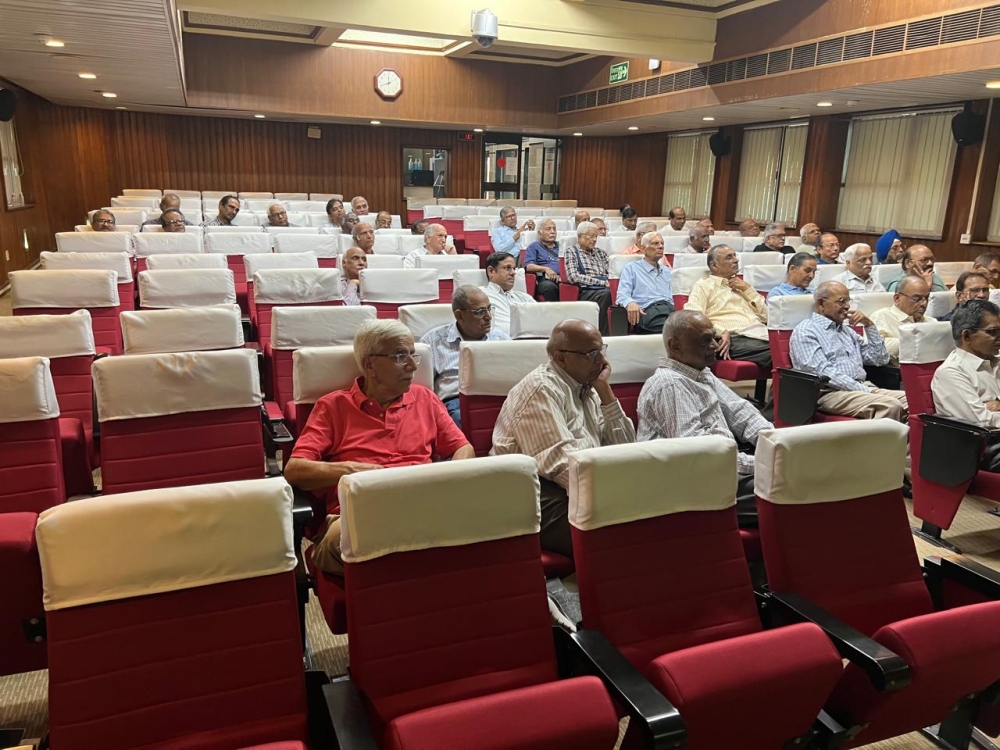
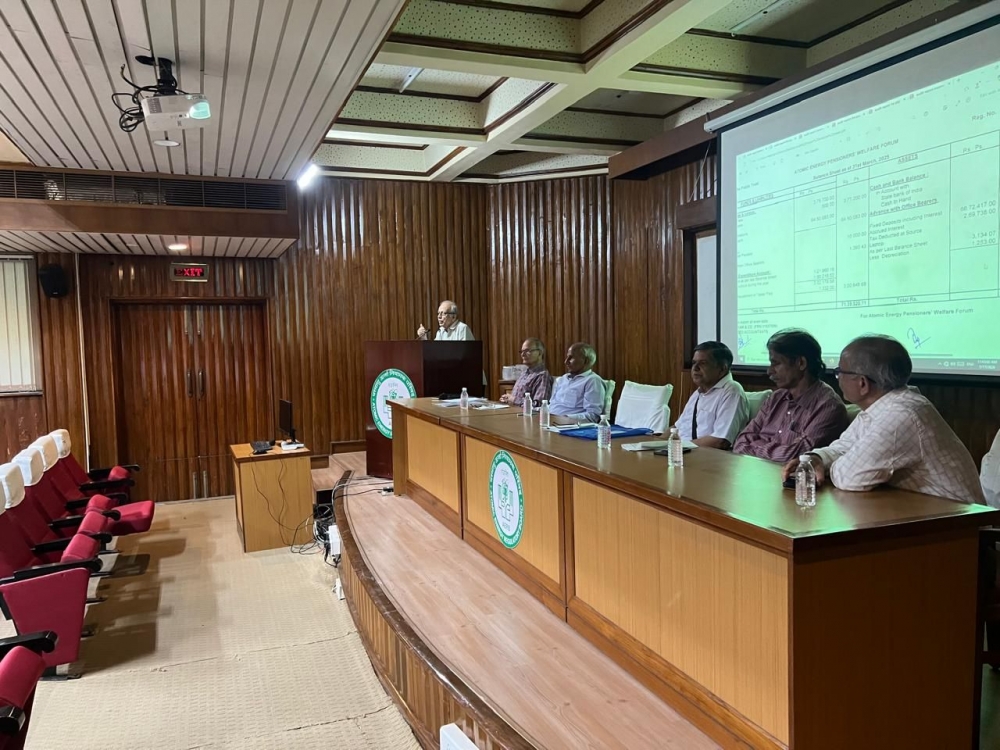
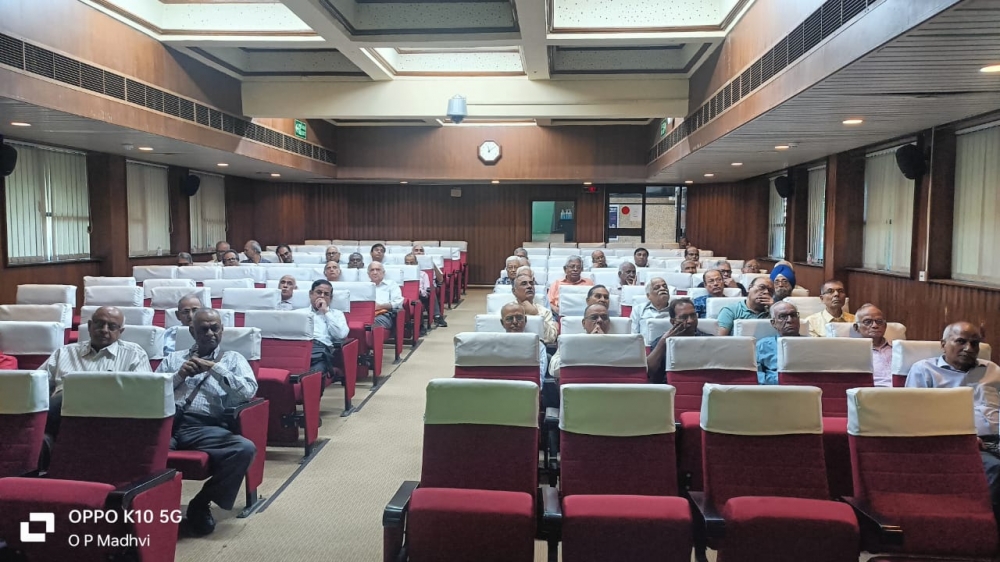
Hemant Bhaskar Kharat NPCIL, Boiser

Jeevan Chandra Tripathi NPCIL, Mumbai
Mukulraj Gehlot NPCIL, Rawatbhata
Vivekanand Gundeti NPCIL,
Guide for Using AEPWF Web Portal
A: GENERAL
Enter the web address https://aepwf.in in the address window of your browser. Use Google Chrome / Microsoft Edge / Opera for opening the DAE Pensioners Forum Portal. It can be opened in any Android Smart Mobile also.
(a) While entering data, do not fill data in all CAPITALS or all smalls, Capitalise only the first letter of each word for names and address.
(b) Please use next line for next part of the address, instead of typing the address continuously.
(c) Do not add City name and Pin Code in the Address Space, as separate fields have been provided for these two items.
Please read details given in Membership Tab on Home page for becoming new member.
The web site is fully compatible with Smart Mobiles / Tablets
B: MEMBERS MODULE:
REGISTRATION AND PROFILE ENTRY
- Click the link REGISTER to open Registration Form.
- Enter 12 digit PPO No, Employee No. / CC code (6-10 digit alpha numeric number), Radio button for selection for Employee No. / Computer Code, Last Name, First Name, Primary Email Address (Preferably gmail address, avoid npcil.co.in address), Date of birth (in YYYY-MM-DD format), Password and Repeat Password (6-10 digit alpha-numeric number).
- Click Register to submit the form.
- Please be careful for entering your PPO number as it can not be changed later. Ensure that there is no other character, symbol or spaces in PPO number. It should be pure 12 digit numeric code. Note down your entries somewhere for future use.
- If any one does not have Employee No. / CC Code, he can fill any 6-10 digit alpha-numeric code of his choice, but he should remember and note it down, as it will be needed for login and forgotten password recovery.
- Once the registration is done, a new form MEMBER PROFILE will open automatically. Do not forget to fill this form. Adequate guidance is available on the form to fill the data. Members can upload their photo by clicking button Upload Photo on the form. It will open a pop-up window, where one can choose his photo from PC / Mobile file explorer. Click button Upload Files to Server. On photo upload click button Close Window and then click button Save Member Profile Data in parent form. Member Profile form can be opened for editing anytime afterwards also by clicking link Members⇒Member Profile.
- All pensioners must fill their date of retirement and 6th CPC scale, as on date of their final retirement from DAE/NPCIL service. All pro-rata pensioners, who have filled this data as on date of transfer from DAE to NPCIL, should now change the data accordingly.
CONTRIBUTION ENTRY
- Login and then click the link Members⇒Member Contribution to open Contribution Entry Page.
- Enter your contribution details in applicable tab for contributions namely (a) Membership, (b) Pro-rata and (c) 2 Increments. (Enter data only in the applicable tab)
- Click Save button in applicable tabbed page to submit data to server for the corresponding tab.
- Admin is required to verify the received contribution though bank passbook and then select Contribution Verified > Yes in the applicable tabbed page and save page. When the contribution page is saved after verification, entry will also be made in the GL Data accounts automatically.
- Download Contribution receipt from link Members⇒Contribution Receipt (available only after contribution verification by Admin).
REVIEWING & EDITING MEMBER PROFILE DATA
- Login with your PPO No and password.
- Click link Members⇒Member Profile to open Profile Page.
- Make necessary changes, if needed.
- Click button Upload Photo. It will open a pop-up window.
- Click button Choose file and select photo from window explorer. (If opening from smart mobile, it will open mobile camera. Take your photo in selfie mode and save photo.)
- After photo selection (or saving photo in mobile), photo preview will be available in pop-up window. (If member is not satisfied with the preview image, he can again click button Choose file for adding another photo).
- Click button Upload Files to Server. (Once the file is uploaded, it will be projected again in the pop-up window).
- Click Close Window button and then click Save Member Profile button in the Member Profile Form. Photo will then be included in your Member Profile page and the entered data in the form will be saved in the server database.
- Further, read guidance provided in the Member Profile page, by clicking button View Guidelines for filling this form.
MEMBER SUMMARY
- Click link Members⇒Member Summary.
- Select Unit or City or Member Type from any of three drop-down menus. Alternately, enter PPO No or part or full last or fist name.
- Any of the above action will open Member Summary table based on selection parameters.
- Further search can be done from Search input box of the table on any column.
- Data in the table can be sorted on any column by clicking on respective column header. Entire Member Profile can be seen by clicking View in the respective row.
- Admin can edit member profile and upload photo of any member. In case of an unfortunate demise of any member, Admin must change Member Status from Alive to Deceased, in Member Profile form and upload his photo, if available.
- Admin can also create new password for any member and delete duplicate record of any member, through a form, which can be opened by clicking the button Manage, in the Member Summary table.
CONTRIBUTION SUMMARY
- Click link Members⇒Contribution Summary.
- Select Case and Verification status and click Search. (Admin can also enter PPO No and click Enter Contribution for entering new contribution.) It will open contribution summary table.
- Admin / Treasurer can open contribution form of any member by clicking the button Edit Contribution.
- Admin / Treasurer must verify contribution of the member, whose contribution amount is received in the bank, by selecting option Yes for Contribution Verified options, in the respective tab and save data of the corresponding tab.
RESETTING PASWORD
- Click on button Forgot Password in Login Form. Enter your PPO No and Email Address and Submit.
- An email will be sent to your email address (if email is available in the system).
- Click on this link to open New Password Entry Form.
- Enter new password and submit the form to change the password.
- Members, who have not registered their email address, can reset password through the link Reset Password.
Members, who do not remember their credentials for resetting password, can re-enter them through link Reset Pre Entries prior to step 5.
Any member, who is not able to reset his password, must send an email to the forum on address response@aepwf.in along with his PPO No.
C: INFORMATION MODULE:
NEWS LETTER, FORUM NEWS, OFFICE ORDERS, COMMENTS & RESPONSE and BALANCE SHEET can be viewed by all members, by clicking respective link buttons in Informations drop-down menu. Any member can enter his comments or suggestions in COMMENTS & RESPONSE page.
Admin can enter details of news, orders and upload the attachments / photos in Forum News & Office Orders and enter response to comments / suggestions in Comments & Response, by clicking respective Edit / Add Response button. News Letters can be uploaded through link EXPLORE⇒ADMIN⇒NEWS LETTER UPLOAD.
D: ACCOUNTS MODULE:
This module (except BALANCE SHEET) is not visible to members other than Admin and Treasurer.
NEW ACCOUNT ENTRIES:
Entries of all new receipts, expenditures, fixed deposits and advances can be done though a common form, which can be opened through link ACCOUNTS⇒GL ENTRY. Input field GL ID will generated and populated on form submission. The input field Transact From should be filled only when payment / receipt is done for any person whose name is not included in Advance Name drop-down menu. Transact Details should include the purpose for which transaction is made. Cheque No, NEFT reference No etc should be entered in Reference field.Select appropriate Accounting Head and enter transaction amount in Transact Amount. Select option Credit, when there is an amount is received in bank / cash, which increases overall forum balance. Similarly Debit should be selected only when there is real expenditure, which decreases overall forum balance. Option Transfer should be selected when the amount is just moved from one account to another and there is no change in overall forum balance, e.g. advance from bank to a person or vice versa, transfer of amount from FD to bank or vice versa. Advance Name must be selected in case advance is drawn from bank for cash expenditures or cash expenditure is done from that advance by advancee. No Voucher No is required for all Transfer transactions. In case payment is made to any party directly from bank through cheque / bank transfer, voucher needs to be prepared, but Advance Name should not be selected. For all FD related transactions, use Fixed Deposit accounts Entries, but Transact date, Transact Details, Reference, Accounting Head, Transact Amount and Transact Type must be filled in main form.
EDITING EXISTING ACCOUNT ENTRIES:
Click link ACCOUNTS⇒GL DATA and enter financial year to open entire transaction table for the year. This table can be downloaded in PDF / Excel format by clicking respective button on top of the table. Table can be sorted on any column by clicking corresponding column header. Table data can be further filtered on the text, which is entered in the Search box located at top right of the table.
Open GL Entry form by clicking button Edit in the requisite row. It will open below the table. Further actions are identical to New Account Entry, as given above.
ACCOUNT REPORTS:
Account reports are generated based on data entry in GL Data (General Ledger Data). It includes BANK DATA, INC-EXP DATA, FD DATA, ADVANCES and BALANCE SHEET.
Each of these reports require entry of Financial Year for viewing corresponding year's data. The data is presented in tabular format and can be downloaded in PDF / Excel format. Summary details of all transactions of the table are also shown in the header section.
Consolidated details of all advances opening balances, new advances drawn, expenditure against all advances and final closing balance is presented on screen. Further, on selection of name from Select Name to Whom Sum Advanced drop-down menu, in ADVANCES report, gives table of of all advances drawn by him and all expenditure done by him, along with summary in header section.
ACCUNTING MASTERS:
New Account Head Codes and Account Head Names can be added through page which can be opened through link ACCOUNTS⇒AH MASTER.
New Advancee names can be added through page Advance Master Names, which can be opened through link ACCOUNTS⇒AD NAMES.
D: ADMIN MODULE:
This section is visible only on login by member having Admin rights.
DATABASE BACKUPS & RESTORE:
One can download backup of database in .SQL format by clicking button ADMIN⇒DOWNLOAD BACKUPS⇒DATABASE. This file can be used for first deleting existing database from local / remote server and then replacing it with new one with this file. Database can be restored through the link ADMIN⇒RESTORE BACKUPS⇒DATABASE. One will be required to select downloaded .SQL file for restoration. Application will only accept valid .SQL file for restoration.
APPLICATION & OTHER FILE BACKUPS & RESTORE:
Applications files and other folder wise files can be downloaded in zipped format from the server through respective links in DOWNLOAD BACKUPS section. These files can be restored in local / remote server through links provided in RESTORE BACKUPS section directly.
EDIT WELCOME PAGE:
Information contained in multiple tabs of Welcome Page is drawn from database, through link data obtained through database SQL queries. These contents can be edited through PAGES application. It can be opened through link ADMIN⇒EDIT PAGES. Information is contained in multiple pages. For editing, go to the requisite page and change mode to edit mode by clicking Edit Page button. Here, the information can be edited in a window, which is similar to Microsoft Word. Certain tab uses photos, hence new photos can also be uploaded from this page. On completion of editing, just click button Update Page to save edited information. With this, the corresponding row will be back in view mode. The changed information will be reflected on Welcome page on page refresh.
- EDIT SCROLLING NESSAGES:
Scrolling messages can be edited or added through page EDIT STRIP MESSAGES. It opens all messages in tabular form. Clicking requisite row Edit button, changes row to edit mode, where one can edit or change the message. Clicking Save Changes button saves data to the server. New messages can also be added here through Add New Message button and clicking button Save New Message, after information entry. Close Window button closes the window without saving the entry.
EDIT OFFICE ORDER CATEGORIES:
One can edit / add office order categories through this page. It can be opened through link ADMIN⇒OO CATEGORY MASTER.
LOGIN HISTORY:
One can see member login history through link LOGIN HISTORY. On this page, only last member login information is shown.
All Members who login on the web portal, are requested to click LOG OUT button, before closing the browser.
HOW TO BECOME NEW MEMBER IN FORUM
MEMBERSHIP
-
LIFE MEMBERS: These members shall pay a single membership subscription of Rs. 500/-. They must be DAE pensioner.
- PATRON MEMBER: Any person paying to the Forum a single subscription of Rs.1,000/- or more desiring to patronize the Society, can become Patron Member of the Society
LIFE MEMBERS: These members shall pay a single membership subscription of Rs. 500/-. They must be DAE pensioner.
He will not have the right to participate in the meetings of the Forum, nor can vote in the elections.
Membership of any type, will however be given on the approval of Forum.
PROCEDURE FOR BECOMING NEW MEMBER
- Register on web portal through the link button REGISTER. Fill all requisite fields in the form and click the link Register.
- After successful registration, MEMBER PROFILE FORM will open automatically Fill this form and then click the link Save Profile Data. (This form can be opened any time afterwards also, after due login, through the link Members⇒MEMBER PROFILE).
- Send your membership fee to Forums SBI bank account A/C No. 35658712206, IFS Code SBIN0050878, (Sector-4 Kharghar Branch), through NEFT in the name of Atomic Energy Pensioners Welfare Forum.
- Enter details of membership fee transfer in the CONTRIBUTION ENTRY FORM, which can be opened through the link Members⇒MEMBER CONTRIBUTION.
- Send an email to response@aepwf.in with your contribution transfer particulars and your PPO No.
- On successful verification of contribution in forum bank account and approval of managing committee, your contribution will be verified on AEPWF web portal.
- New members will be able to download on-line receipt from the web portal, through the link Members⇒DONATION RECEIPT.
- All members, who have given their valid email address will be admitted to DAE Pensioners Goggle Group of the Forum, for receiving the group emails.
- All NPCIL pensioners will be Members and all other DAE unit pensioners will be Associate Members.
| President | Ashok Kumar | Founder Member | O. P. Madhvi |
| Vice President | --- | Member | T. V. Sritharan |
| Gen. Secretary | P. Gururaj | Member | J. Arunan |
| Joint Secretary | T. Premchandran | Member | Paresh Gupta |
| Treasurer | N. C. Gupta | Member | R. P. Jaiswal |
| Co-Treasurer | M. Vijayan | ||
| Co-opted Member | Rajesh K Laad | Co-opted Member | G. S. Sodhi |
| Co-opted Member | C. B. Jain | Co-opted Member | Ajay Kumar Gupta |
| Co-opted Member | M. A. Hussain |
What's New in AEPWF Web Portal |
This portal has been re-designed and some new elements have been introduced. This web portal is now secure with address aepwf.in The web site has been made mobile friendly for better viewing on mobile as well on different widths of browser on desktop / laptop Login Page has been modified where members will be required to select their Role in addition to entering PPO No and Password entry Forgot Password Link is provided on LOGIN page. Members can click this button to open Forgot Password Page Members should enter PPO No and Email Address in this page and Submit. A link email will be sent to this email address (if registered in member data), Initially this email may land in SPAM folder. Members should move this email to INBOX before opening this email, otherwise address in the link will be erased. A new section Forum News has been introduced. This section will contain latest information on ongoing pension cases or any other activities of the Forum. A section for Office Orders has been added. Slowly, office orders relating to pension and other orders relating to pensioners, will be uploaded in this section. PDF files of all issues of AEPWF NEWS LETTER, issued so far, can be viewed / downloaded from the drop down menu, by clicking the button NEWS LETTER and then selecting the issue. Forum accounts are now being maintained on-line. All members can now view running on-line balance sheet for all financial years starting from FY 2017-18. The web portal has been modified such that the access to the classified contents of the portal is available only to those members, who have paid Membership Fee or any Case Donation amount. Part of the amount of Case Donation was accounted for the Membership Fee. All existing members, who have not paid their membership fee so far, will not be able to view all contents on the portal. A message for non-payment of membership fee will appear on the welcome page, after due login by member. No such message will appear for the member, whose membership fee has been received and verified. Modification has been done in web portal for automatic opening of the PROFILE ENTRY FORM, immediately after successful registration of the new member through REGISTRATION FORM. All newly registered members and also all existing members, whose membership fee has not been received, will be able to view all contents on the portal, only after payment of Membership Fee and verification of the receipt by AEPWF on the web portal. Comments and suggestions are invited from all members to include more items on this web portal, which will improve the content of our web portal. |
Atomic Energy Pensioners Welfare Association
.........
Registered under Charity Commissioner
Registration No. G.B.B.S.D. 1302/15 (Mumbai)
.........
Contact Address
B-104, Nandanvan Apartments, Deonar Farm Road, Mumbai - 400088
........
Forum Email Address
response@aepwf.in
.......
Web Portal Design and Development By
O.P. Madhvi
Email Addrees: opmadhvi213@gmail.com
Forum News
FN-ID: 121, Date: 2026-01-29
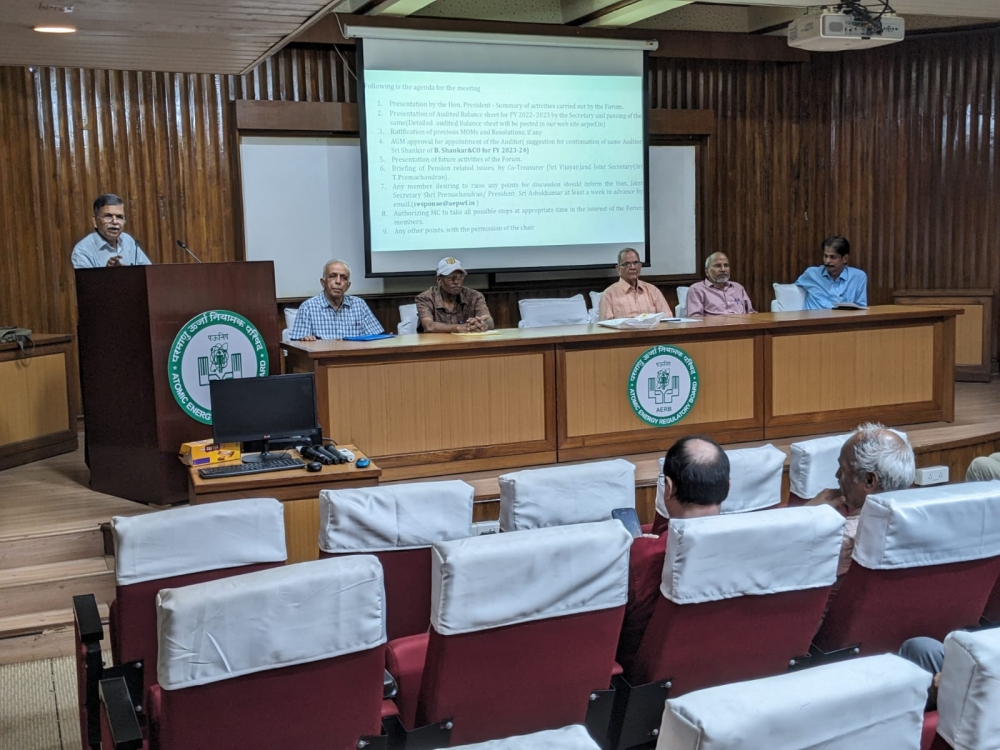
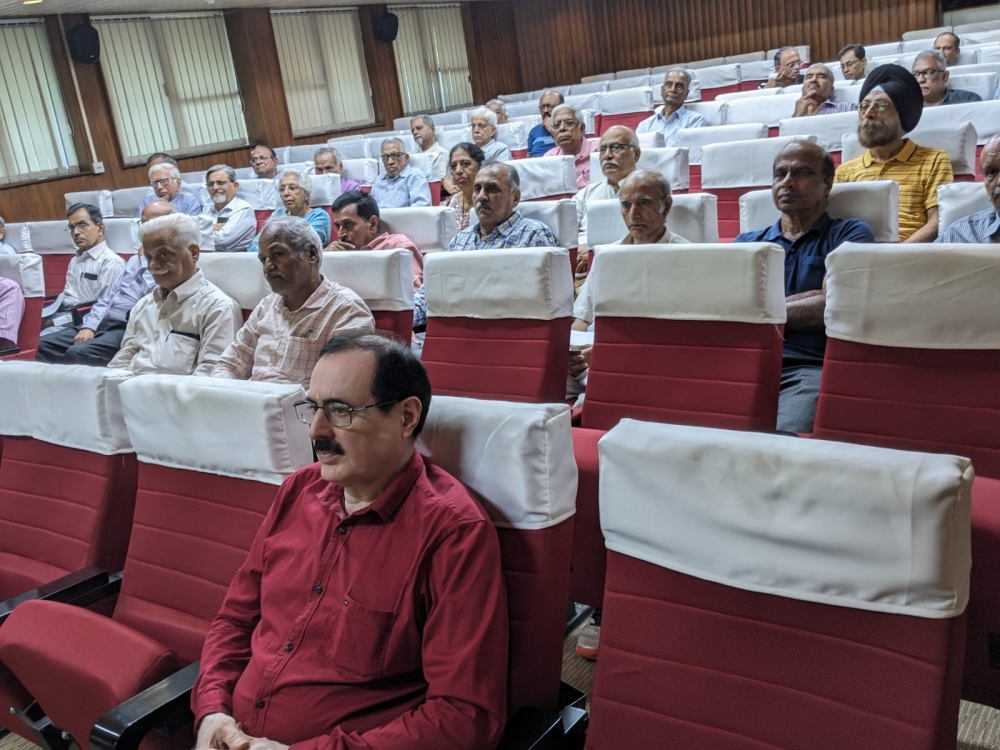
PDF copy of Minutes of 10th General Body Meeeting held on 17th January, 2026 in the AERB Auditorium is enclosed. It can be downloaded by clicking on the link given belw. Members may send their comments, if any, on the MOM on the email address response@aepwf.in prior to 30th April 2026.
Attachment(s)10th agm mom.pdf
FN-ID: 120, Date: 2025-12-22
Audit Report for FY 2024-25
Attachment(s)audit report balance sheet.pdf
audit report 1st page.pdf
audit report income expenditure sht.pdf
audit report 3rd page sch-d.pdf
FN-ID: 119, Date: 2025-03-14
NPCIL Pension Scheme and Letter sent to CMD on NPCIL Pension issue
Attachment(s)npcil pension scheme 2025.pdf
lr to cmd on new npcil pension.pdf
FN-ID: 118, Date: 2025-02-01
The 9th AGM of the Forum was held on 30-11-2024 in AERB Auditorium. The MOM of the AGM is attached for the information of all our members
Attachment(s)9th agm mom.pdf
FN-ID: 117, Date: 2024-12-28
Minutes of Meeting of first Managing Committee ,held on 5th December 2024 at Kendriya Vihar is enclosed . Office bearers for various posts like President, Secretary,etc was elected during this meeting.
Attachment(s)mc mom no.1.pdf
FN-ID: 116, Date: 2024-11-19
Audit Report along with Income and expenditure details and Balance Sheet for the Financial Year 2023-24 is enclosed. All the members are requested to attend the AGM on 30th November 2024 and raise any query on this. document.
Attachment(s)aepwf audit report fy 2023-24.pdf
balance sheet fy 2023-24.pdf
income expenditure fy 2023-24.pdf
FN-ID: 115, Date: 2024-11-14
The 9th AGM of the Forum is planned to be conducted on 30th November 2024 at the Niyamak Bhavan ground floor Auditorium . The detailed agenda of the AGM is enclosed. All members who would like to participate may send their names in advance so that arrangement for lunch can be made.
Attachment(s)aepwf notice 14th november 2024.docx
FN-ID: 114, Date: 2024-05-26
Minutes of meeting for 8th AGM held on 18-11-2023
Attachment(s)8thagm_mom.pdf
FN-ID: 112, Date: 2024-05-22
During their last hearing of our contempt petition on 30th April 2024 in CAT PB, the case has been closed, after hearing from both counsels. A copy of the final ruling is enclosed. DAE lawyer had submitted a compliance report and our lawyer also confirmed the same with some exceptions. This is because few cases are still pending for want of clarity. As you can see from the court order, we still have the liberty to approach the court in case a few of the pending cases are not resolved. We thank all our members for their continued support and encouragement.
Attachment(s)final_closure_order_on_cp 386.pdf
FN-ID: 111, Date: 2024-04-28
DAE has submitted a compliance report on our 2 additional increment case during the last hearing on 26th April 2024. As part of compliance submission, DAE has submitted an updated status list of all 1088 petitioners and the same is attached herewith. In the last column of the list , they have indicated the status report on the processing of PPOs of all eligible pensioners ie if it is sent to CPAO or Not Eligible category. Incase of any issue , individual pensioners may bring their problem to the notice of their unit. If still the issue is unresolved , thy may write to us. Kindly note that the compliance is only with respect to issue of PPO revision and forwarding the same to CPAO.
Attachment(s)list of pensioners.docx
FN-ID: 109, Date: 2023-10-27
PDF file for contact information on all DAE / NPCIL Guest Houses
Attachment(s)dae_ guest_houses_information.pdf
FN-ID: 108, Date: 2023-01-06
Provisional order from DAE on 2 increment issue 2
Attachment(s)2023-01-03_provisional_order_2increments.pdf
FN-ID: 106, Date: 2022-11-22
AGM No. 7 was conducted on 30th September 2022 and the MOM is attached
Attachment(s)7th agm mom.pdf
FN-ID: 105, Date: 2022-11-22
An email attached with a letter to CMD, NPCIL on 21st November 2022 and with copy marked to Dir(HR) and Dir(F) on New Pension Scheme. Copy of the letter is attached herewith.
Attachment(s)lr no. 3 to cmd on new pension scheme.docx
FN-ID: 104, Date: 2022-09-15
Notice for the 2021-22 AGM is proposed to be conducted on 30-9-2022 s attached
Attachment(s)aepwf notice for september 2022 agm.docx
FN-ID: 103, Date: 2022-09-15
It has been decided to hold our Annual General Body meeting on 30 th September 2022 at 11.00 AM through online. The notice for the AGM and the Audit Report for 2021-22 are enclosed for your information. All our members are requested to participate in the AGM. Due to prevailing circumstances we are forced to conduct the AGM in online mode and we are sure that by next year we will conduct regular AGM offline . Members, willing to attend AGM, may please send an email intimation on the the address aepwf.india@gmail.com by 28th Sept. 2022. The link for online meeting will be sent to the members through email, on 29th Sept, 2022, who send their accepatnace for attending the meeting.
Attachment(s)audit report page 1.pdf
audit report page 3.pdf
audit report page. 4.pdf
audit report page.2.pdf
FN-ID: 102, Date: 2022-08-24
DAE has sent their reply to our notice , sent to them on our contempt petition against 2 Additional Increment case . The same was reviewed during the last Managing Committee meeting and pointwise reply was finalized. Our lawyer will take up and present our replies in the next hearing of our case on 31st August 2022. Due to the file size we are unable to upload the same in our website.
Attachment(s)dae response on 2 increment case.pdf
FN-ID: 101, Date: 2022-05-30
Copy of Letter(Sht.2) handed over to NPCIL Board Sub Committee , appointed to finalize the New Pension Scheme is attached. This was handed over today during the interaction meeting with them .
Attachment(s)final lr to sub committee sht 2.docx
FN-ID: 100, Date: 2022-05-30
Copy of letter(Sht .1), handed over to Sub Committee ,appointed by Board of Directors to finalize the NPCIL New Pension Scheme is enclosed. This letter was handed over today during the interaction meeting with them at NPCIL.
Attachment(s)final lr to sub committee sht 1.docx
FN-ID: 99, Date: 2021-12-24
Minutes of 6th AGM held on 11-12-2021 are enclosed
Attachment(s)mom_6th_agm.pdf
FN-ID: 98, Date: 2021-10-16
AEPEF Audit Reports for FY 2020-21 are enclosed for reference by members.
Attachment(s)audit report sht.4.pdf
audit report sht.3.pdf
audit report sht.2.pdf
audit report sht.1.pdf
FN-ID: 97, Date: 2021-10-04
A miscellaneous application for an early hearing of our 2 Increment case has been submitted to CAT PB on 3-10-2021 digitally. A copy of the same attached for the information of all members
Attachment(s)ma filed on 3rd october 2021 for early hearing.pdf
FN-ID: 96, Date: 2021-04-12
Dear friends, The 5th AGM of the Forum for FY 2019-20 was conducted on 24th March 2021 through Zoom medium. The detailed MOM has been prepared and placed in the site. Due to Covid pandemic , the AGM got delayed. MC of the Forum tank
Attachment(s)mom_5th _agm.docx
FN-ID: 94, Date: 2021-03-09
AEPEF Audit Reports for FY 2018-19 are enclosed for reference by members.
Attachment(s)2018_incexp.pdf
2018_bal_sheet.pdf
FN-ID: 93, Date: 2021-03-09
AEPWF Audit Reports for FY 2019-20 are enclosed for reference by members.
Attachment(s)2019_schd_9c.pdf
2019_incexp.pdf
2019_bal_sheet.pdf
FN-ID: 92, Date: 2020-10-26
Dear friends, On two increment issue , we have sent a letter to Secretary, DOE with a copy marked to Dr. Jitendra Singh, MOS, DAE. We have requested for de-linking the case of DAE from other departments like DRDO and DOS. Copy of the letter is attached
Attachment(s)FN-ID: 91, Date: 2020-08-29
AEPWF web site is now secure web site and its new address is https://aepwf.in. Login Page is changed and now Member Role is required to be selected in LOGIN page itself. It has been revamped with new multi level drop-down menu. Pop-up windows will now open on same page. All pages have been redesigned to make it mobile friendly.
Attachment(s)
FN-ID: 90, Date: 2020-06-13
A sample Copy of WILL is attached. You may give the details of all properties, shares,FDs etc and also name the inheritors .There should be proper witness who is not directly getting the benefit of your WILL. A copy of the WILL should be kept safely with you and you are at liberty to change the WILL at any point of time of your life.
Attachment(s)Will For Public.docx
FN-ID: 89, Date: 2020-05-30
Letter to Joint Secretary (AA) for Guidelines for the Treatment of Corona Virus Patients
Attachment(s)Lr to JS(AA) on Guidelines for Corona April 2020.docx
FN-ID: 88, Date: 2020-05-30
We have requested Head, Medical Division to look in to the feasibility of introducing an online system for purchase and claim of medicines that are not available in the dispensaries
Attachment(s)Lr to Head MD.docx
FN-ID: 87, Date: 2019-10-19
MOM of First Managing Committee Meeting of the AEPWF, held on 11th October 2019
Attachment(s)MC MOM-1.docx
FN-ID: 86, Date: 2019-10-15
MOM of AGM held on 29-09-2019 at AERB Auditorium, Mumbai
Attachment(s)AGM-2019-minutes.docx
FN-ID: 85, Date: 2019-09-12
Notice for AGM 2019 has been issued. All members and Associated members are welcome to attend the same on 29th September 2019 at AERB Auditorium in Niyamak Bhavan
Attachment(s)AEPWF Notice for September 2019 AGM Draft.docx
FN-ID: 84, Date: 2019-09-09
12 names for the post of members is managing committee received. Last Date for withdrawal of names from election is 11th September, 2019.
Attachment(s)Nominations.doc
FN-ID: 83, Date: 2019-08-17
Announcement of Managing Committee Elections: Enclosed is letter from Jt. Secreetary, AEPWF. Election process and Election Schedule will be announced by appointed Election Officer shortly and will be place in this web portal.
Attachment(s)Election announcement.docx
FN-ID: 82, Date: 2019-06-20
HQ NPCIL has issued a circular dtd 7th March 2019,regarding issue of new I-card for NPCIL Pensioners. A format to be filled and to be sent to NPCIL is also enclosed with that. Once you send the information, NPCIL will make new I-cards with Government Of India Emblem. NPCIL has already started issuing I-card where ever they have received data.
Attachment(s)ID cards guidelines for units-english.docx
FN-ID: 81, Date: 2019-02-27
Contact email addresses for pension related issues: HQ: Shri S. N Shaw, Manager (HR), snshaw@npcil.co.in TM Site: Shri M.N. Verma, DGM (HR), mnverma@npcil.co.in RR Site: Shri Rajiv Dudhe, DGM (HR), rajeevdudhe@npcil.co.in MAPS: Shri CA Pamanabhan, Sr. Manager (HR), capadmanabhan@npcil.co.in NAPS: Smt. Rajeshwari, DGM (HR), rajeshwari@npcil.co.in KAPS: Shri Mathew Mammen, DGM(HR), mathewmammen@npcil.co.in KGS: Shri SB Sawar, DGM(HR), ssaleem@npcil.co.in KKNP: Shri K Anbumani, DGM(HR), kanbumani@npcil.co.in All members should address their pension realted issues to the HR section of the site from where they had retired.
Attachment(s)FN-ID: 80, Date: 2019-01-29
Letter has been written to Secretary, DOPPW requesting for intervention to resolve the method to be adopted for pension due to 2 increments.
Attachment(s)Lr to Secretary-DOPT-Jan 2019.docx
FN-ID: 79, Date: 2019-01-29
Letter has been written to JS(AA) requesting office space for AEPWF
Attachment(s)Office Space Request to JS(AA)DAE L Jan 2019.docx
FN-ID: 78, Date: 2019-01-24
AEPWF committee members along with the Secretary, AERWA had a meeting with Joint Secretary, (AA) of DAE. Points discussed were as follows: a) AEPWF pointed out the inordinate delay in revision of our PPOs for incorporating the 2 additional increments b) JS(AA) has assured that all efforts will be taken by DAE to follow up with DOP and PW (Copy attached) c) JS(AA) informed that already approval is being obtained for issue of DAE identity cards to all NPCIL pensioners since they all retired from DAE and not from NPCIL. This was a long time pending demand. AEPWF thanked JS(AA) for his positive action. Cards will be issued by NPCIL with the logo approved by DAE. d) Delay in getting the payment reimbursed to CHSS beneficiaries when they purchase medicines and then claim, was brought to the notice and JS(AA) has asked for a letter on this issue so that he will take it up. e) On a query for including retirees representatives in the Consulting Committee for CHSS, JS(AA) agreed to consider it. f)AEPWF's request for office space was also brought to the notice of JS(AA) and it was decided to write a letter on this aspect to DAE.
Attachment(s)Letter from JS DAE to JS DOPPW.pdf
FN-ID: 77, Date: 2019-01-22
Honourable Supreme court judgement DTD 3rd January 2019 on consideration of special pay of Rs 2000/4000 for pensionary benefits.
Attachment(s)19483_2015_Judgement_03-Jan-2019.pdf
FN-ID: 76, Date: 2019-01-22
A letter has been written to Dr.Jitendra Singh, MOS requesting his intervention. It was pointed out to him that the 2 increment issue is pending with DOPPW and not with DAE
Attachment(s)Lr to MOS Atomic Energy on PPO Revision 20th Jan 2019.docx
FN-ID: 75, Date: 2019-01-15
An RTI was filed with DOPPW for the copy of latest ID note ,received from Department Of Expenditure. As per the ID note, Dept of Expenditure has requested for the reason why the 2 increments was note stopped when they had asked in 2013
Attachment(s)Reply to RTI DOPT Finance Ministry Lr Jan 2019.pdf
rti-reply.pdf
FN-ID: 74, Date: 2018-12-19
A trip to Dignity Foundation Senior Citizens Township at Neral was conducted on 7th December 2018. 72 members form the Forum participated in the trip. Township is located about 90 KM from Dadar. It can be accessed from Neral railway station or by travelling through Mumbai Pune Highway and then through Karjet-Neral Road, after taking an exit at Khopoli. It is a self contained township with 100 residents. Independent 2 BHK and 1 BHK flats as well as Single Room Studio complex is avaialble. Details about the tip is already posted in google group mail
Attachment(s)FN-ID: 73, Date: 2018-11-24
Medical Division has asked all CHSS Members to submit the details of each beneficiaries along with photo of each, PPO copy and certified copy of birth certificate of dependant children. Form is being given by the Dispensary to which the pensioner is attached. Copy of the Form is attached. If you have not collected the Form, You may take the print out and submit the same.
Attachment(s)CHSS form.docx
FN-ID: 72, Date: 2018-10-27
A Pension Adalat for NPCIL pensioners was conducted jointly by DAE and NPCIL at NPCIL Seminar Hall(NUB) on 25th October 2018. The jist of points discussed is attached
Attachment(s)First Pension Adalat 25th October 2018.docx
FN-ID: 71, Date: 2018-10-17
The Minutes of AGM dtd 29th September 2018 is issued and attached herewith. Your comments may be please be forwarded.
Attachment(s)MOM of AGM dtd 29th Sept 2018.docx
FN-ID: 70, Date: 2018-09-27
The AGM for 2018 is scheduled for 29th September 2018 at AERB Auditorium in Niyamak Bhavan .The agenda is posted in group mail.All members are requested to attend the meeting
Attachment(s)AEPWF Notice for September 2018 AGM Rev.0.docx
FN-ID: 69, Date: 2018-08-15
A letter has been issued to Joint Secretary(A and A),DAE on the details of discussions we had at DAE Office on 3rd August 2018 on PPO revision issue due to 2 increment and other matters
Attachment(s)FN-ID: 68, Date: 2018-08-07
NPCIL has issued an order dtd 25th July 2018 for releasing DA and HRA arrears ,due to the implementation of DAE OM dtd 13th June 2017, for considering 2 increments for pensionary benefits. A copy of the same is attached
Attachment(s)NPCIL OM dtd 25th July 18 on 2 Increments.pdf
FN-ID: 67, Date: 2018-07-26
We have learnt from DOP and PW that DAE is yet to give the financial implications, due to consideration of 2 increment for pensionary benefits. On 25th July, we have sent a letter to Joint Secretary(A and A) DAE with a copy endorsed to both Secretaries of DOP and PW as well as DAE , requesting for expediting the PPO revision. Copy enclosed
Attachment(s)FN-ID: 66, Date: 2018-07-04
Reply received to AEPWF letter dated 20-06-2018, addressed to Director (HR), NPCIL for releasing DA / HRA for NPCIL pensioners.
Attachment(s)New Doc 2018-07-01_1.pdf
FN-ID: 63, Date: 2018-06-12
Reply received from DAE on our Legal Notice on delay in PPO revision due to 2 increment enclosed.
Attachment(s)2018 (06) - 08 - REPLY TO LEGAL NOTICE DATED 25.04.2018.pdf
FN-ID: 62, Date: 2018-05-26
Letters sent to DOPT and DAE on two increments
Attachment(s)Ltr to Secretary DAE May 2018.docx
Ltr to Secretary DOPT.docx
FN-ID: 61, Date: 2018-05-21
Letter to Joint Secretary, DAE on Anomaly in pension for Tradesman B,D,E ,F and Sr Clerk Sht 2
Attachment(s)Lr to Jt Sec DAE on Tradesman E Sht 2.docx
FN-ID: 60, Date: 2018-05-21
An anomaly in their pension calculation was observed between pre 1996 and post 1996 pensioners of certain categories (Tradesman B,D,E,F, Sr. Clerk and Accounts Assistants) A representation has been sent to Joint Secretary, DAE, requesting his good offices to resolve this anomaly.
Attachment(s)Lr to Jt Sec DAE on Tradesman E Sht.1.docx
FN-ID: 57, Date: 2018-03-24
Many of our members are requesting us to forward the RBI circular on interest payment if the arrears gets delayed . The same is attached for the ready reference of our members
Attachment(s)RBI Notification for Interest Payment On delay.pdf
FN-ID: 49, Date: 2017-08-02
Copy of Master Circular for Disbursement of Government Pension by Agency Banks issued by RBI.
Attachment(s)RBI Master Circular for banks.pdf
FN-ID: 48, Date: 2017-08-02
Nomination Form to bank for receiving Life Time Arrears (LTA) for pension, by a nominee, is enclosed here for the benefit of members. Members may click on the link and download the form. Pensioners should submit the form to their pension paying branch.
Attachment(s)Nomination for LTA Form A.docx
FN-ID: 47, Date: 2017-06-14
Order for considering 2 special increments granted for grades D, E, F and G grade scientists / engineers in DAE for treating them as pay have been issued by DAE. Congratulations to all members. The scientists / engineers in these grades will be eligible for DA, HRA and retirement benefits. Pension benefits will however will be only for those, who had retired after 1-1-1996, but limited to the period upto 31-12-2005. Further, these two increments are likely to be considered for notional pay fixation on 1-1-2016 and may give pension benefits to some members, after implementation of revised option-1 of 7th cpc.
Attachment(s)DAE-OM-2incr-20170613..pdf
FN-ID: 17, Date: 2015-12-31
CASE REGARDING PENSION FOR TWO INCREMENTS AEPWF is shortly planning to undertake case for pension for two increments given to engineers / scientific officers who were D, E, F or G on 1-1-1996. It is learned that only those pensioners will be given benefit of two increments, who undertake legal action for the case. There will be separate contribution for undertaking this case. The contribution amount will be decided only after knowing the number of members who are willing to join for the case. In view of this, the ADD / EDIT Details web form has been modified to find out the willingness of members to join the case. Members, who are already registered on Forum's portal, should login on the portal and open DETAILS FORM by clicking link ADD / EDIT DETAILS and entered required willingness for the input fields, where LABEL columns are with green background and font color is dark blue. The members, who are not registered on the portal, will be first required to register and enter their details in the 'Details Form', including the options for two increment case. The executive committee will review the the responses of members and then decide for further course of action
Attachment(s)2 increments clarification.pdf
2 increments judgement.pdf
Isro office order.pdf
2. For downloading the attached File: click the attachement link. 3. For downloading the photo: Right click on the photo and then select 'save image as'
4. For quickly moving to next or previous slides: Use left or right navigation arrows.